Logo DesignBrand
If you are building a brand, vector logo files are not a technical extra. They are the format that keeps your logo sharp on a business card, a website header, a billboard, and everything in between.
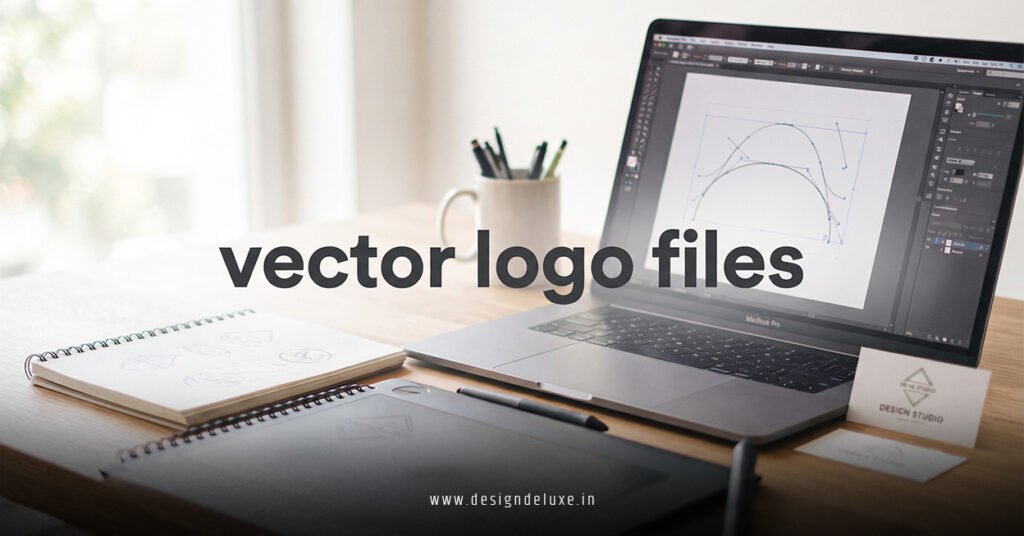
A vector file is built from mathematical paths, not pixels, which is why it can scale up or down without losing quality.[2][3] In this article, we’re going to be taking a look at vector logo files, and how you can use them to keep your brand looking professional across every platform. If you would like to find out more, feel free to read on.
Pic – CC0 License
What vector logo files actually are
A vector logo file stores your logo as shapes, lines, and curves instead of tiny colored squares.[1][2] That is the big difference between vector and raster files like JPEGs or PNGs, which can blur or pixelate when resized.
For business owners, that matters because your logo will not live in one place. It may appear on your website, packaging, invoices, social media, signage, and print ads. A vector file lets one master logo handle all of that without quality loss.[3][6]
The most common vector formats are SVG, EPS, AI, and sometimes PDF when saved correctly.[2][4][8] SVG is especially useful for web use because it stays crisp on different screen sizes and devices.[2][4]
Why vector logo files matter for scaling
If you want a deeper branding explanation, this is where the idea behind How to Design a Logo That Scales Across All Platforms comes in. A good logo is not just attractive. It has to stay readable and consistent at every size.
Vector logo files are ideal because they can be resized infinitely without losing sharpness.[2][3][6] That means the same logo can work on a tiny app icon and a large shop sign without needing a redesign.
This is also why printers, sign makers, and embroidery suppliers often ask for vector artwork.[6][8] They need files that can be edited and reproduced cleanly at production quality.
The main file types you should know
Not every logo file serves the same purpose. In practice, most businesses should keep a master vector version and then export other formats for day-to-day use.[2][4]
- SVG is best for websites and digital use because it stays scalable and lightweight.[2][4]
- AI is the native Adobe Illustrator format and is useful when a designer needs to edit the logo.[2][4]
- EPS is a common print-friendly vector format used by designers and printers.[2][4]
- PDF can also be a vector file if it is saved properly and not flattened into a raster image.[4][8]
For everyday posting, you may still need PNG versions with transparent backgrounds.[4] But the master file should stay vector so you always have a clean source to work from.[2][6]
How to tell if your logo is vector
There are a few simple checks you can use before sending files to a designer, printer, or supplier.
- Check the file extension: .AI, .EPS, .SVG, or sometimes .PDF usually signals a vector file.[2][8]
- Zoom in: if the logo stays sharp, it is likely vector; if it becomes blocky, it is raster.[3][8]
- Ask for the source file: if a designer created your logo, they should be able to provide the original vector version.[6][8]
If all you have is a JPEG or PNG, that does not mean the logo is unusable. It just means you do not yet have the best version for scaling, printing, or future edits.[3][4]
When to use vector files and when not to
Vector files are the right choice when you are sending your logo to a printer, sign company, merch supplier, or embroidery shop.[4][6][8] They are also the safest option when you need to resize, recolor, or update a logo later.[2][6]
Raster files still have their place. PNG is useful for transparent backgrounds, and high-resolution PNGs work well for some social media and presentations.[4] But those should support your vector master file, not replace it.
If your business is growing, this becomes even more important. One clean vector file can save you time, reduce mistakes, and keep your brand consistent across regions and platforms.[1][3][6]
How to keep your logo ready for every platform
The smartest approach is to build a small logo file system, not just one file.[2][4]
- Keep one master vector file in SVG, AI, or EPS.[2][4]
- Export a transparent PNG for quick digital use.[4]
- Save a black, white, and full-color version for different backgrounds.[4][6]
- Store files in an easy-to-share folder so your team does not use the wrong version.[1]
This makes your brand easier to manage as you add new channels, products, or markets. It also helps your logo stay aligned with the broader idea behind How to Design a Logo That Scales Across All Platforms, where clarity and flexibility matter most.
We hope that you have found this article enlightening in some way, because the main lesson is straightforward: vector logo files give your brand the freedom to stay crisp, flexible, and professional everywhere it appears. If you keep a proper vector master file and export the right formats for each use, you will save time and protect your brand look as you grow.