Artificial IntelligenceAd'sBrand PackagingLogo DesignSocial Media Advertising
AI motion logo design for social media ads and packaging stands out as a game-changer for brands chasing attention in crowded feeds and on store shelves. It turns static marks into living visuals that pop on Instagram Reels, TikTok ads, or even digital packaging renders.
- What it is: Using AI tools to animate logos with effects like subtle glows, fluid transitions, particle bursts, or 3D rotations—perfect for short-form video and interactive mockups.
- Why it matters: Static logos get skipped. Motion grabs eyes in under three seconds, boosts engagement, and helps packaging concepts feel premium in digital pitches.
- Who benefits: Beginners and intermediate creators who want pro results without After Effects expertise or big budgets.
- 2026 reality: Tools deliver broadcast-quality clips in minutes, with formats ready for ads or AR packaging previews.
Here’s the thing. Brands that move fast win. AI levels the field so small teams create assets that once took studios weeks.
Why AI Motion Logo Design Wins for Social Ads and Packaging
Social platforms reward movement. A looping logo animation in your ad creative can lift click-through rates because it stops the scroll. On packaging, motion shines in e-commerce. Think 360-degree product videos or AR try-ons where the logo animates as the package rotates.
The kicker? Consistency across touchpoints. One master animation exports as GIF for social, MP4 for ads, and subtle variants for packaging mockups. No more mismatched assets.
In my experience, clients notice the polish immediately. What usually happens is they test a static version first—crickets. Swap in motion, and engagement jumps.
Quick comparison of traditional vs. AI approaches:
| Aspect | Traditional Motion Design | AI Motion Logo Design (2026) | Winner for Beginners |
|---|---|---|---|
| Time to First Draft | 10-40 hours | 5-30 minutes | AI |
| Cost | $500-$5000+ per logo | Free tiers to $20-100/month | AI |
| Skill Needed | After Effects expertise | Basic prompting + drag-drop | AI |
| Iteration Speed | Slow revisions | Instant prompt tweaks | AI |
| Output Formats | Manual exports | Auto social + packaging-ready | AI |
This table shows why AI dominates for most non-agency work today.
How AI Motion Logo Design Works in Practice
Start with a strong static logo—clean vectors perform best. Upload it or describe it. AI models then apply physics-based motion, camera moves, and effects while preserving brand colors and typography.
Popular techniques include:
- Reveal animations: Logo assembles from particles or light trails.
- Kinetic typography: Words pulse or orbit the icon.
- 3D depth: Subtle rotations for packaging mockups.
- Looping micro-motions: Gentle breathing effects ideal for profile pics or ad overlays.
These fit perfectly into social ads (15-second hooks) and packaging (digital shelf renders that feel alive).
Best Tools for AI Motion Logo Design in 2026
You don’t need a suite of expensive software. Focus on these:
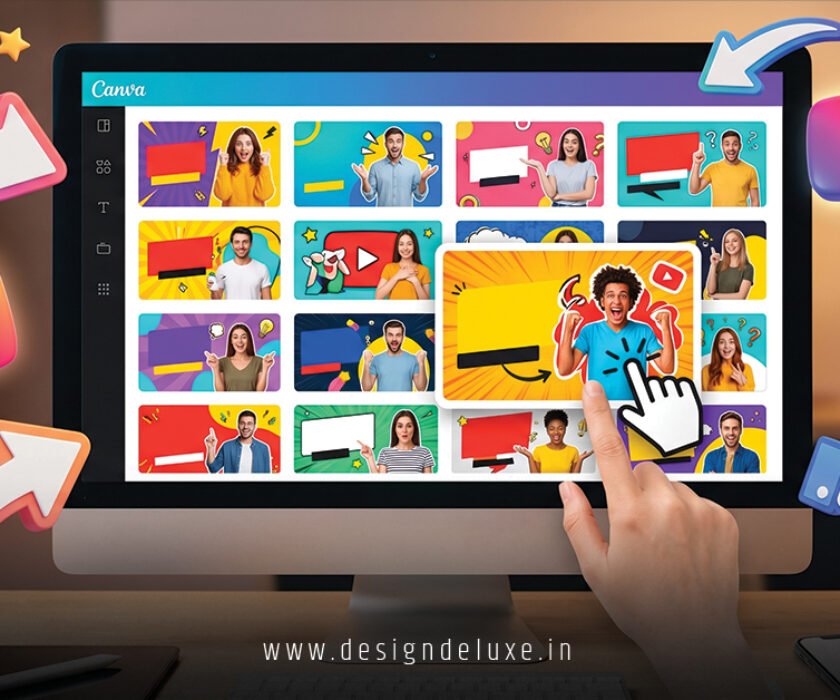
- Canva Animated Logo Maker: Drag-and-drop simplicity with AI suggestions. Great for quick social assets.
- Renderforest: Strong templates for professional intros and packaging videos. Excellent export options.
- Kapwing or LogoAI: Upload your mark and generate GIFs or videos instantly. Ideal for testing multiple styles.
- Advanced options like Kling AI or Higgsfield: For cinematic results with image-to-video control—perfect when you want hyper-realistic packaging animations.
Pro tip: Combine tools. Generate base motion in one, refine in CapCut for platform-specific tweaks.
Step-by-Step: Create Your First AI Motion Logo
Ready to build one? Follow this action plan.
- Define your brief: Decide the vibe—energetic for ads, elegant for packaging. Note key platforms (square for Instagram, vertical for Stories).
- Prepare your logo: Use high-res PNG with transparent background. Ensure scalable vectors.
- Choose a tool and prompt: In Renderforest or Canva, select animation style. For text-to-video: “Animate this clean tech logo with smooth 3D rotation, subtle blue particle glow, professional cinematic lighting, loop seamlessly for social ads.”
- Generate and tweak: Hit create. Adjust timing, colors, speed. Add sound if needed for ads.
- Export variants: GIF for lightweight social, MP4 with alpha for overlays, static frames for packaging mockups.
- Test in context: Drop into a sample ad or packaging render. Check on mobile.
What I’d do if starting fresh? Spend 20 minutes testing three tools with the same logo. Pick the one that nails your brand energy fastest.
Expect your first attempt to be decent. Third one? Sharp enough to ship.

AI Motion Logo Design for Social Media Ads
Ads live or die by the first second. A dynamic logo intro hooks viewers before your product shot. Use short loops that sync with trending audio. Vertical formats crush on TikTok and Reels.
Layer the motion logo over product footage or as a watermark. It reinforces branding without stealing focus. Many brands see higher recall when the logo moves with purpose.
Bringing Motion to Packaging Design
Packaging isn’t just boxes anymore. In 2026, digital-first brands use animated logos in:
- E-commerce 360 spins
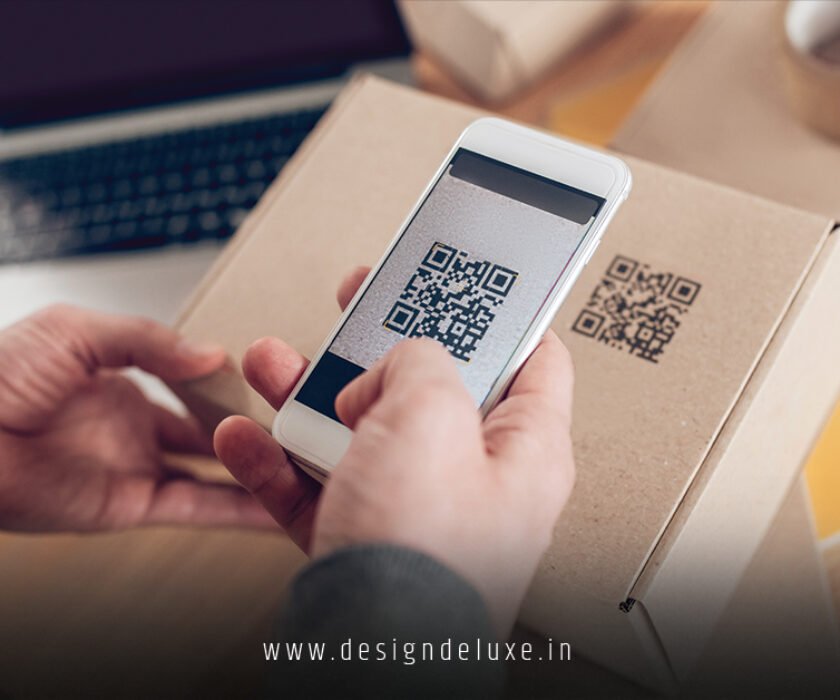
- AR experiences (logo activates on scan)
- Social unboxing videos
- Mockup presentations to investors
AI shines here by generating consistent motion across static and dynamic views. Upload your packaging template, apply logo animation, and create a video mockup that sells the story. Tools like Packify.ai help integrate logos into full package visuals.
Common Mistakes & How to Fix Them
Even seasoned creators trip up.
- Over-animation: Everything moves, so nothing stands out. Fix: Limit to one primary motion path. Keep secondary elements subtle.
- Ignoring platform specs: Heavy files kill load times. Fix: Export optimized GIFs under 5MB for social; use compression tools.
- Losing brand fidelity: AI warps typography. Fix: Use image reference uploads and lock colors early.
- No testing: Looks great in tool, flops in ad. Fix: Always preview on actual devices and in feed context.
- Static mindset: Treating motion like a one-off. Fix: Build a small library of variants (short, long, sound on/off).
Catch these early and your work looks pro from day one.
Key Takeaways
- AI motion logo design for social media ads and packaging delivers fast, flexible assets that boost engagement across channels.
- Start simple—tools like Canva and Renderforest handle 80% of needs without steep learning curves.
- Prioritize purpose over flash. Every movement should support your brand story.
- Test relentlessly in real contexts: ads, mockups, mobile feeds.
- Combine AI speed with human judgment for results that feel custom.
- Export multiple formats from one project to maintain consistency.
- Iterate weekly as new models drop—staying current keeps your edge.
- Focus on loops and micro-motions for maximum reuse.
Bottom line: Motion makes your brand feel alive. In a sea of static noise, that edge matters.
Ready to move? Grab your logo file, pick one tool from the list, and create your first animation today. The difference in your next ad or pitch deck will be night and day. Your audience—and your metrics—will thank you.
FAQs
How long does AI motion logo design for social media ads and packaging typically take?
Most creators knock out a solid version in under 30 minutes using modern tools. Complex cinematic pieces take an hour or two with refinements.
Is AI motion logo design professional enough for big brand packaging campaigns?
Yes, especially when you guide outputs with strong references and post-edits. Many agencies now use AI for initial concepts and speed before final polish.
Can I use the same AI motion logo across different social platforms and packaging mockups?
Absolutely. Generate once, then export tailored versions—square loops for ads, vertical for Stories, and integrated clips for packaging videos.