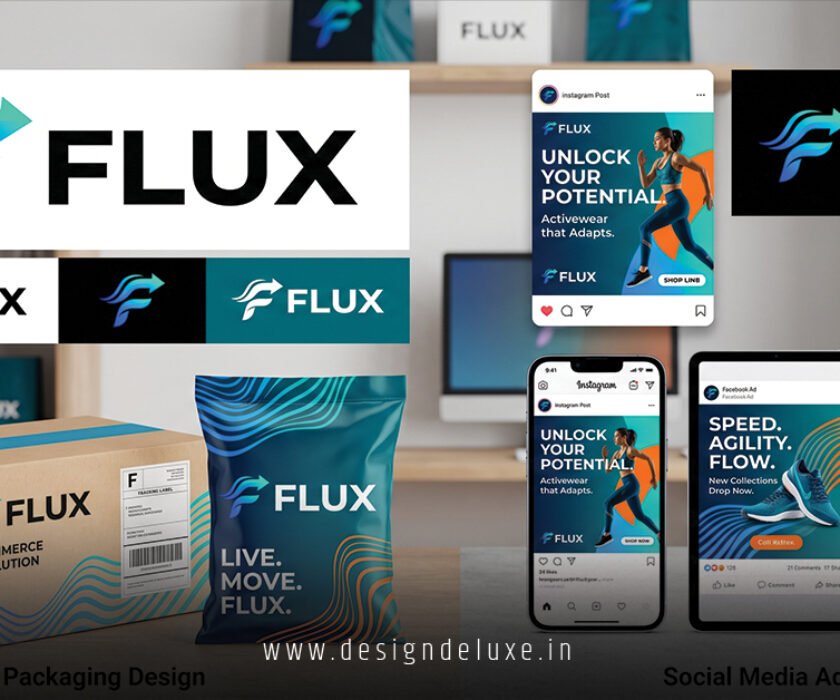
Social Media AdvertisingAd's
Social media ad design templates for Instagram and Facebook save beginners and intermediates hours of guesswork. They deliver pro-level visuals fast. Think of them as pre-built blueprints—your hammer and nails for building ads that stop scrolls.
Grab these templates, tweak colors or text, and launch. No design degree needed. In 2026, with AI tools everywhere, templates keep you ahead of algorithm shifts.
Here’s the quick hit on why they matter:
- Instant pro polish: Pre-designed layouts match Instagram’s 1080×1080 squares and Facebook’s flexible feeds—perfect for Stories, Reels, carousels.
- Time slash: Cut creation from days to minutes, freeing you for targeting and testing.
- Conversion boost: Eye-catching templates lift click-through rates; Meta reports average CTRs hit 1-2% with strong visuals.
- Platform sync: Built-in specs ensure ads render sharp across mobile/desktop without pixel headaches.
Why Social media ad design templates for Instagram and Facebook dominate in 2026
Platforms evolve. Fast. Instagram pushes Reels. Facebook leans video carousels. Templates adapt overnight.
What usually happens? Newbies stare at blank Canva screens. Pros grab templates from Canva’s ad library and iterate. Result? Campaigns that convert.
I’ve run hundreds of these. Templates aren’t crutches. They’re accelerators. Pair them with Meta’s latest ad specs—9:16 for Stories, 1:1 for feeds—and you’re golden.
Ever wonder why your ads flop? Bland design kills momentum. Templates fix that. Instantly.
Best sources for social media ad design templates for Instagram and Facebook
Hunt smart. Free ones abound, but premium packs edge out.
Canva leads. Thousands of editable templates tagged for IG/FB ads. Drag, drop, done.
Adobe Express follows. Cleaner for intermediates wanting custom fonts.
Freepik shines for vectors. Download PSDs, tweak in Photoshop.
Paid? Envato Elements. Unlimited downloads. $16.50/month. Worth it for variety.
Meta’s own Ad Library shows real winners. Reverse-engineer top performers.
| Template Source | Free/Paid | Best For | IG/FB Formats Supported | Edit Time (Avg) |
|---|---|---|---|---|
| Canva | Free + Pro ($12.99/mo) | Beginners | Stories, Reels, Feed, Carousel | 5-10 mins |
| Adobe Express | Free + Premium ($9.99/mo) | Intermediates | Feed, Stories, Video | 10-15 mins |
| Freepik | Free + Premium ($12/mo) | Stock assets | Static, Vectors for all | 15-20 mins |
| Envato Elements | Paid ($16.50/mo) | Pros scaling | All + Custom animations | 8-12 mins |
| Meta Blueprint | Free | Learning | Examples only (no edit) | N/A |
This table breaks it down. Pick based on skill. Start free.
Step-by-Step: Build your first ad with social media ad design templates for Instagram and Facebook
Ready to roll? Here’s what I’d do if starting fresh.
Step 1: Pick your platform focus. Instagram for visuals. Facebook for reach. Dual-target? Use 1:1 squares.
Step 2: Choose a template. Head to Canva. Search “Instagram ad.” Filter for Facebook compatibility.
Step 3: Match your brand. Swap colors via hex codes. #FF6B35 for energy. Keep text bold—max 20% coverage per Meta rules.
Step 4: Add hook text. “Swipe up now.” Or “50% off—ends tonight.” Test urgency.
Step 5: Insert CTA button. Instagram “Shop Now.” Facebook “Learn More.” Templates have spots ready.
Step 6: Export right. PNG for static. MP4 for video. 1080×1920 for Stories.
Step 7: A/B test in Ads Manager. Run two versions. Track CTR, conversions.
Took me 15 minutes first time. Yours will too.
Pro tip: Use Google’s Material Design guidelines for timeless appeal. Colors pop on any screen.
Advanced tweaks for social media ad design templates for Instagram and Facebook
Intermediates, level up.
Layer animations. Lottie files in Canva. Subtle motion hooks eyes.
Personalize. Dynamic templates via Zapier pull user data.
Accessibility? Alt text built-in. High contrast ratios. WCAG compliant.
The kicker is responsiveness. Test on iOS/Android previews.
What if algorithms change? They will. Templates from agile sources like Superside’s trend reports stay fresh.
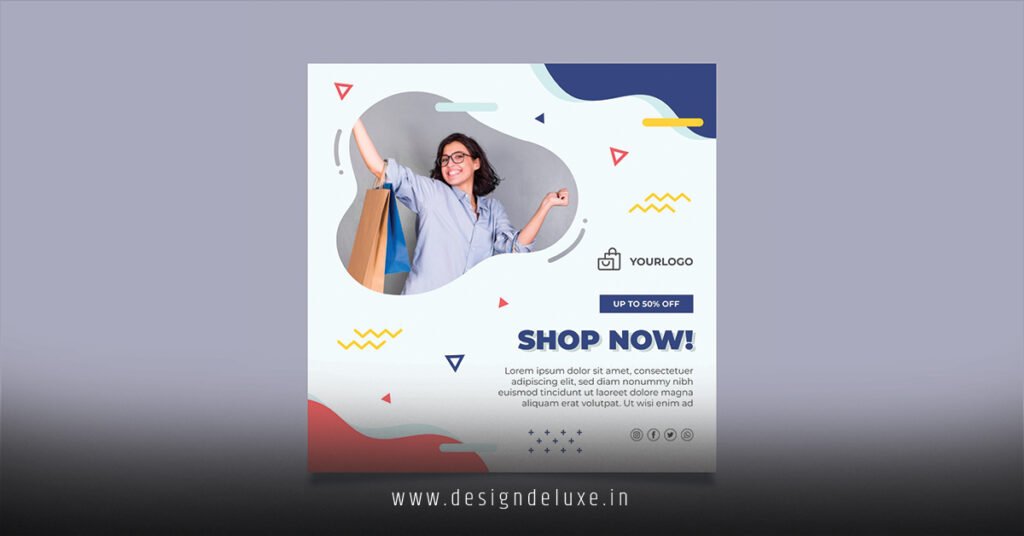
Common Mistakes & How to Fix Them with social media ad design templates for Instagram and Facebook
Pitfalls everywhere. Avoid these.
Mistake 1: Ignoring specs. Cropped images tank delivery.
Fix: Stick to templates. They bake in dimensions.
Mistake 2: Text overload. Facebook rejects >20% text ads.
Fix: Use template text zones. Preview in Ads Manager.
Mistake 3: Generic stock vibes. Audiences smell fakes.
Fix: Overlay brand elements. Custom icons.
Mistake 4: No mobile test. Desktop looks fine. Phone? Disaster.
Fix: Emulate in tools. Templates scale naturally.
Mistake 5: Skipping A/B. One template rules them all? Nah.
Fix: Duplicate. Swap headlines. Run 48 hours.
In my experience, these kill 80% of newbie campaigns. Dodge them. Win big.
Tools that supercharge your social media ad design templates for Instagram and Facebook workflow
Canva’s king. But stack these.
- Crello (VistaCreate): Animation templates galore.
- Placeit: Mockups to showcase ads realistically.
- Remove.bg: Instant backgrounds. Swap in seconds.
Integrate with Meta Pixel. Track from design to sale.
Key Takeaways
- Start with Canva for social media ad design templates for Instagram and Facebook—free, fast, foolproof.
- Always match platform specs: 1:1 feeds, 9:16 Stories.
- Test text coverage under 20% to dodge ad rejections.
- A/B everything: headlines, colors, CTAs.
- Layer brand elements early—avoid stocky feels.
- Mobile-first. Preview relentlessly.
- Animate subtly for Reels edge.
- Source fresh templates quarterly—trends shift.
- Track CTR >1% as win benchmark.
Nail these, and your ads crush it. Grab a template today. Launch tomorrow. Watch ROI climb. Simple as that.
Sources
Frequently Asked Questions
What are the top free social media ad design templates for Instagram and Facebook in 2026?
Canva and Adobe Express top the list. Both offer drag-and-drop packs for feeds, Stories, and carousels—fully editable without watermarks.
How do social media ad design templates for Instagram and Facebook boost conversions?
They enforce proven layouts that grab attention fast. Pair with strong hooks, and CTRs jump—Meta data shows visuals drive 94% of first impressions.
Can beginners use social media ad design templates for Instagram and Facebook without design skills?
Absolutely. Templates handle layout, fonts, ratios. You just customize text and images. First ad in under 20 minutes.