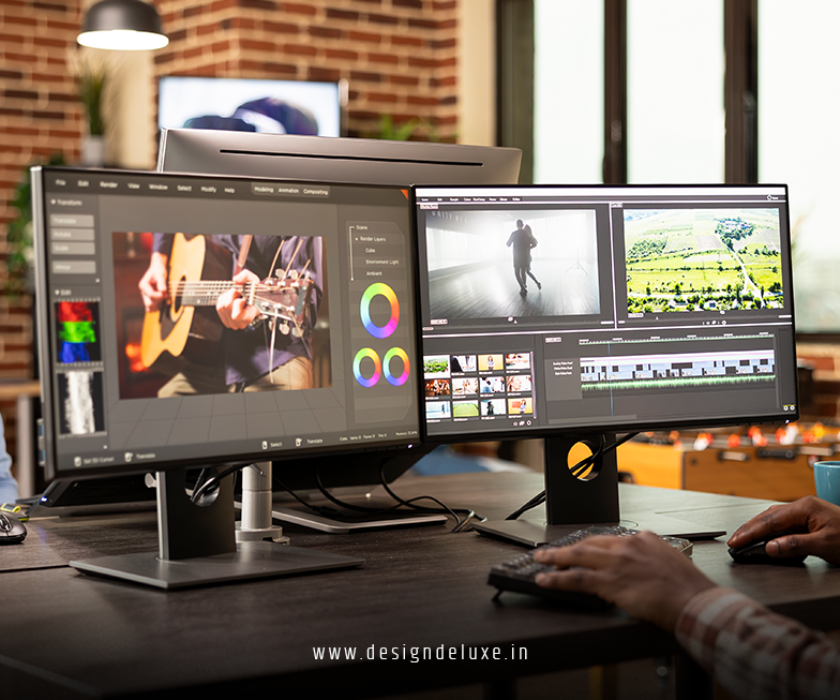
Banner DesigningMARKETINGSocial Media AdvertisingWebsite
Professional banner and web design for social media marketing stands as your secret weapon in a feed that moves at warp speed.
Professional banner and web design for social media marketing grabs attention in under three seconds, builds instant brand trust, and drives clicks that actually convert. It turns passive scrollers into engaged followers and customers. In 2026, with AI tools flooding the market and algorithms rewarding authentic, high-impact visuals, getting this right separates the noise from the results.
- What it is: Custom banners, profile headers, story graphics, and web-linked visuals optimized for each platform’s specs and audience behavior.
- Why it matters: Strong visuals boost engagement rates dramatically—motion graphics and bold designs often outperform static posts by huge margins.
- Who needs it: Beginners building their first brand presence and intermediates scaling campaigns without a full design team.
- The payoff: Consistent, professional designs create recognition that compounds over time, making every post work harder.
Here’s the thing. Most small businesses slap together a Canva template and call it a day. The pros treat every banner and web asset like a miniature billboard that must perform under pressure.
Why Professional Banner and Web Design for Social Media Marketing Wins in 2026
Social platforms have become visual battlegrounds. Users decide in a heartbeat whether to stop or keep scrolling. Professional banner and web design for social media marketing delivers clarity, personality, and purpose all at once.
Bold typography rules right now. High-contrast layouts cut through the clutter. Think oversized headlines paired with subtle motion or grainy textures that feel human, not sterile. Earthy tones mixed with neon pops create that perfect blend of approachable and futuristic.
Web design ties directly into this ecosystem. Your landing pages, link-in-bio tools, and campaign microsites need to mirror the energy of your social banners. Seamless transitions from Instagram Story to website build trust and reduce bounce rates.
In my experience, brands that invest here see compounding returns. One strong banner series can fuel months of content repurposing across platforms.
Key Elements of Standout Social Media Banners
Effective banners share a few non-negotiable traits:
- Platform-specific sizing: Always start with correct dimensions. Guessing leads to blurry crops.
- Brand consistency: Logos, colors, and fonts must feel like the same voice everywhere.
- Clear focal point: One main message or visual hook. No visual soup.
- Mobile optimization: Most views happen on phones. Test ruthlessly.
- Call-to-action integration: Subtle but impossible to miss.
Professional banner and web design for social media marketing demands you think beyond pretty pictures. Every pixel should serve strategy.
Banner Sizes Cheat Sheet for Major Platforms (2026)
| Platform | Profile/Banner Size | Feed Post (Recommended) | Stories/Reels | Key Tip |
|---|---|---|---|---|
| 1584×396 px (profile) | 1080×1080 or 1080×1350 | 1080×1920 | Keep key elements center-safe | |
| 851×315 px (cover) | 1080×1080 | 1080×1920 | Test for news feed cropping | |
| X (Twitter) | 1500×500 px | 1600×900 | N/A | Safe zones for text on edges |
| 1584×396 px (approx) | 1200×627 | 1080×1920 | Professional, less clutter | |
| YouTube | 2560×1440 px | 1280×720 (thumbnails) | N/A | Bold text for mobile thumbs |
Data drawn from current platform guidelines as of mid-2026.
This table alone can save you hours of frustration. Resize wrong and your beautiful design looks amateur.
Tools That Actually Deliver Professional Results
You don’t need an agency budget to compete. Smart choices here make all the difference.
Canva remains the go-to for quick, high-quality output with templates sized perfectly for every network. Its AI features speed up ideation without killing creativity.
Adobe Express shines for more advanced users who want motion and premium effects. Firefly integration helps generate custom assets fast.
For web components, Figma handles collaborative design and prototyping beautifully, especially when linking social campaigns to full sites.
What usually happens is beginners over-rely on one tool. Mix and match. Export from Canva, refine in Photoshop if needed, then optimize for web.
Professional banner and web design for social media marketing gets exponentially easier once you build a small asset library of brand-approved elements.
Step-by-Step Action Plan for Beginners
Ready to build your first professional set? Follow this.
- Define your brand basics: Lock in 2-3 core colors, a primary font, logo variations, and tone of voice. Write it down. Refer back every single time.
- Research your audience: What stops them scrolling? Pain points, desires, visual preferences. Look at competitors who win engagement.
- Choose platforms wisely: Start with 2-3 where your people actually hang out. Don’t spread yourself thin.
- Create a template system: Build master files for each format. This cuts design time by 70% after the first round.
- Design with intent: Lead with a strong visual hook. Layer supporting text. Add subtle CTA. Ensure high contrast for readability.
- Test and iterate: Post, check performance, note what works. Use platform analytics.
- Repurpose ruthlessly: One hero banner becomes 10+ variations—carousel slides, stories, ads, web headers.
- Schedule and analyze: Tools like Hootsuite or Buffer help maintain consistency. Learn more about optimizing social media image sizes from Hootsuite.
Stick to this plan and you’ll outpace 90% of DIY efforts within weeks.
Advanced Tips for Intermediates Scaling Up
Once basics click, layer in 2026 trends.
Motion graphics and short looping animations boost shares significantly. Kinetic typography adds energy without overwhelming.
Personalization matters. Dynamic elements that adapt based on user data or time of day create relevance. AI helps generate variations, but human oversight keeps it authentic.
For web design integration, ensure your site reflects social aesthetics. Fast-loading hero banners, consistent navigation, and clear social proof build the bridge from feed to conversion.
One fresh analogy: Think of your social banners as the handshake and your website as the full conversation. Both need to feel like the same person—professional yet approachable.
Professional banner and web design for social media marketing at this level also means accessibility. Alt text, high contrast, readable fonts. It’s not optional anymore.
Common Mistakes & How to Fix Them
Even seasoned marketers slip up. Spot these early.
- Ignoring platform differences: Same design everywhere looks lazy. Fix: Create platform-specific variants from the start.
- Cluttered layouts: Too many elements scream amateur. Fix: Ruthless editing. One focal point wins.
- Poor typography: Tiny text or clashing fonts kill readability. Fix: Limit to 2 fonts max. Go big on headlines.
- Inconsistent branding: Followers get confused. Fix: Maintain a strict brand guide.
- No testing: Posting blind. Fix: A/B test visuals and track metrics.
- Low-quality or generic images: Stock photos that look stock. Fix: Custom or heavily edited assets with your spin.
What I’d do if starting over? Audit the last 30 posts immediately. Fix the worst offenders first. Momentum builds fast.
Explore current web design trends that complement social efforts on Figma’s resource library.
Measuring Success
Track more than likes. Look at click-through rates, profile visits, website traffic from social, and conversion lift. Tools like Google Analytics and platform insights tell the real story.
Professional banner and web design for social media marketing pays off when it moves the needle on business goals, not just vanity metrics.
Key Takeaways
- Nail correct dimensions and safe zones for every platform to avoid ugly crops.
- Prioritize bold, high-contrast designs with clear hierarchy for fast-scrolling feeds.
- Build reusable templates and a brand asset library to scale efficiently.
- Integrate social visuals seamlessly with your website for better user journeys.
- Test relentlessly and let data guide refinements—trends change but principles endure.
- Balance AI assistance with human creativity for authentic results.
- Focus on accessibility and mobile-first to reach everyone effectively.
- Consistency compounds: One strong system beats scattered genius every time.
Professional banner and web design for social media marketing isn’t about chasing every trend. It’s about creating visual systems that work harder than you do.
Start small. Pick one platform, build three solid banners using the steps above, and launch. Tweak based on real performance. You’ll see the difference immediately.
The next step? Open your design tool right now and sketch your next banner with fresh eyes. Your audience is waiting.
FAQs
How much should I budget for professional banner and web design for social media marketing as a beginner?
Start free with Canva Pro (around $15/month) and invest time learning. As you scale, consider $300-800 for custom sets from freelancers. The real ROI comes from consistency over months, not one-off spends.
What makes banner design different from regular social media graphics?
Banners like profile headers and YouTube covers act as permanent brand real estate. They need to work at smaller sizes, convey identity instantly, and align with web design. Regular posts allow more experimentation.
Can AI tools replace professional banner and web design for social media marketing entirely?
AI accelerates ideation and variations beautifully, but it can’t fully replace strategic thinking or brand voice. Use it as a collaborator. Human refinement turns good output into scroll-stopping assets that convert.