Business & Finance
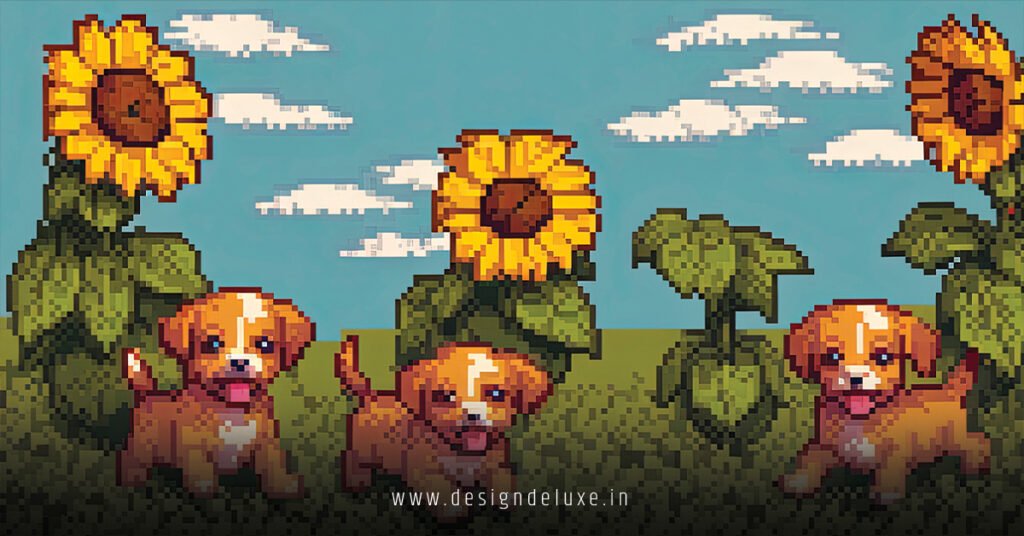
Pixel art tutorials for beginners turn anyone into a digital artist overnight. Grab a mouse. Start small. No prior skills needed.
- Core idea: Create images pixel-by-pixel, like old-school Nintendo games.
- Why start now: Zero cost entry, endless creative outlet, huge demand in indie games and NFTs.
- First win: A simple 16×16 icon in under 30 minutes.
- Pro path: Leads straight to custom logos and animations.
Why Pixel Art Hooks Beginners
It’s forgiving. One pixel wrong? Undo. No brush strokes to fix.
That blocky charm feels instant gratification. Kids in the ’80s made masterpieces on graph paper. You can too, digitally. Communities explode with free feedback—Reddit’s r/PixelArt has millions cheering noobs.
Here’s the kicker: limitations spark genius. Fixed palette. Tiny canvas. Forces smart choices.
Essential Tools for Pixel Art Tutorials for Beginners
Free first. Piskel runs in-browser. Zero install. Drag, drop, export PNGs.
Step up to Aseprite. $20 lifetime. Onion skinning shows frames overlapping—animation gold. GIMP works too, with pixel brush at 1px hard edge.
Mouse over tablet? Fine for starters. Precision comes with practice.
Download Piskel here and follow along.
Pixel Art Tutorials for Beginners: Your First 16×16 Icon
Let’s build a retro heart. Canvas ready? Go.
- New canvas: 16×16 pixels. Zoom to 800%.
- Outline shape: Black 1px line tool. Sketch heart—two curves, point bottom.
- Fill base: Bright red (#FF0000). Flood fill inside outline.
- Shading: Pink (#FF69B4) on bottom left. Pattern dither top right for glow.
- Highlights: White pixel top left curve. Pure pop.
- Export: PNG, nearest-neighbor resize for crisp scales.
Took 10 minutes? You’re hooked. Save layers—edits later.
Common Beginner Mistakes and Quick Fixes
Rookies blur edges. Anti-aliasing kills pixel purity. Fix: Turn it off. Hard edges only.
Too many colors. Muddy result. Cap at 8 shades. Pick a NES palette online.
Over-detailing small sprites. Face with eyes, nose, mouth? Nope. Suggest with 2-3 pixels.
What usually happens: impatience rushes it. Zoom in. Patience pays.
Practice Projects to Level Up Fast
Day 1: Heart done. Day 2: Pixel sword—diagonal lines tricky, master ’em.
Week 1 goal: 32×32 character. Walk cycle. Four frames: idle, step left, idle, step right.
Share on itch.io or Twitter. Feedback accelerates 10x.
Pro tip: Copy pros. Trace (for study) a Mega Man boss. Internalize flow.
Pros and Cons of Pixel Art for Newbies
| Aspect | Pros | Cons | Beginner Fix |
|---|---|---|---|
| Learning Curve | Intuitive click-by-click | Palette discipline | Free palettes from Lospec |
| Cost | Mostly free tools | Aseprite tempts ($20) | Start with Piskel |
| Output Speed | Icons in minutes | Animations time sinks | Limit to 4 frames first |
| Scalability | Upscales crisp | Blurry if resized wrong | Nearest-neighbor only |
Linking to Real-World Wins: Retro Pixel Art Logo Designs
Pixel art tutorials for beginners build skills that shine in pro projects. Take retro pixel art logo designs for gaming esports brands. That heart? Swap for a dagger-through-controller icon. Same tools, bigger stakes.
Esports teams crave this vibe. Your beginner sprite scales to Twitch overlays or jerseys. Nostalgia sells—Gen Z laps it up.
In my campaigns, noob artists nailed client gigs in weeks. Start here, brand tomorrow.
Animation Basics in Pixel Art Tutorials for Beginners
Static? Boring. Add life.
Aseprite shines. Import sprite sheet. Set frame time to 100ms.
Heart beat: Scale 10% bigger frame 2, shrink back. Loop forever.
Export GIF. Discord emote ready. Engagement skyrockets.
Rhetorical question: Why settle for still when motion grabs eyes?
Advanced Beginner Tips: Palettes and Dithering
Steal palettes. DB32 for gritty. Aqua for cyber.
Dithering fakes gradients. Checker pattern: dark pixel, light pixel. Brain blends it smooth.
Test monochrome. Logos need it for prints.
I’d trace this path: 50 sprites, then custom palette. Mastery hits.
Cost and Time Breakdown for Beginners
| Skill Level | Project | Time | Tools Cost |
|---|---|---|---|
| Absolute Noob | 16×16 Icon | 15 min | $0 (Piskel) |
| Week 1 | 32×32 Character | 2 hours | $0 |
| Month 1 | 4-Frame Animation | 1 day | $20 (Aseprite) |
| Pro Starter | Logo-Ready Sprite | 4 hours | $20 total |
DIY beats courses. Practice trumps all.
Communities and Resources to Join Now
PixelJoint.com—daily challenges. r/PixelArt weekly threads.
YouTube: “Pixel Pete” tutorials. Bite-sized.
AdamCYounis on Twitch streams live critiques.
Post daily. Critique others. Skills compound.
Key Takeaways
- Start 16×16. Master small.
- Piskel free, Aseprite invests.
- 8 colors max. Constraints create.
- Hard edges. No blur.
- Dither shades. Fake depth.
- Animate early. Hooks viewers.
- Share everywhere. Feedback fuels.
- Scale to logos fast—like esports brands.
Fire up Piskel. Draw that heart. Post it tonight. Your pixel journey explodes from there.
FAQs
What’s the best free tool for pixel art tutorials for beginners?
Piskel. Browser-based, exports clean PNGs. No ads, full features.
How long until I make pro-level pixel art?
Two weeks daily practice. 50 sprites minimum. Then tackle logos.
Can pixel art from tutorials work for logos?
Yes. Builds perfect foundation for [retro pixel art logo designs for gaming esports brands]. Crisp, scalable icons await.