WebsiteBusiness & Finance
Running a small business means wearing many hats, and building your online home shouldn’t add more stress.
You need something simple, affordable, and professional that lets you focus on what you do best — serving customers.
The right website builder can help you launch fast, look credible, and connect seamlessly with your marketing efforts.
In this article, we’re going to be taking a look at the best website builders for small businesses, and how you can choose one that fits your needs and grows with you. If you would like to find out more, feel free to read on.
Pic – CC0 License
Why Every Small Business Needs a Strong Website
Your website acts as your always-open storefront. It builds trust, showcases what you offer, and turns visitors into customers.
Without one, you miss out on local searches and recommendations from friends. In competitive markets across the USA, UK, Australia, Singapore, and Dubai, a polished site sets you apart from competitors still relying on social media alone.
Pairing it with strong professional website design and social media advertising graphics creates a unified brand experience that feels reliable and inviting.
Key Features to Look For in a Builder
Focus on ease of use first. Drag-and-drop editors let you create pages without coding knowledge.
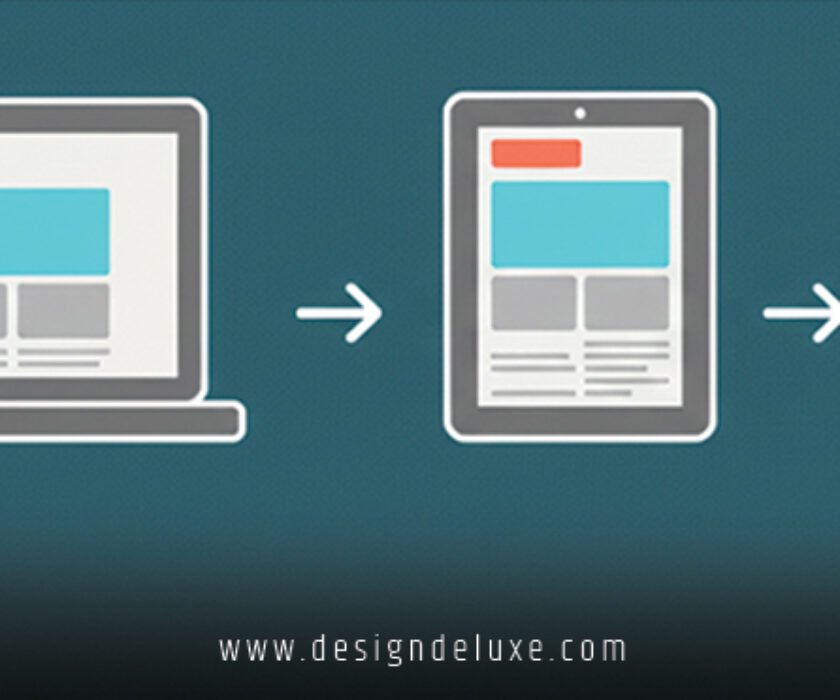
Mobile responsiveness is non-negotiable — most visitors will browse on their phones. Built-in SEO tools, fast loading speeds, and reliable hosting also matter.
Look for e-commerce options if you sell products, and easy ways to add contact forms or booking calendars. Good customer support makes a big difference when you get stuck.
Top Website Builders for Small Businesses in 2026
Wix – Great for Creative Flexibility
Wix stands out for its huge template library and design freedom. You can customize almost everything with their editor.
It works well for service businesses, restaurants, or portfolios. The AI tools now help suggest layouts based on your industry.
Many small owners appreciate the built-in marketing features that tie directly into social campaigns.
Squarespace – Beautiful Templates Out of the Box
If you want a stylish site without much effort, Squarespace delivers. Their templates look professional and modern right away.
It excels for visual businesses like photographers, coaches, or boutiques. Blogging tools and e-commerce features are solid too.
The clean designs pair perfectly with eye-catching professional website design and social media advertising graphics.
Shopify – Best for Online Stores
Selling products? Shopify makes it straightforward. You get powerful inventory tools, payment processing, and abandoned cart recovery.
It scales as your business grows and integrates well with social selling platforms. Many small retailers start here and expand successfully.
WordPress.com or Self-Hosted WordPress
WordPress offers unmatched flexibility. The .com version is simpler for beginners, while self-hosted gives full control.
It powers a huge portion of the web and has plugins for almost anything. Just be ready for a slightly steeper learning curve.
GoDaddy Website Builder – Speed and Simplicity
GoDaddy focuses on getting you live quickly. Their AI builder creates a starter site based on a few questions.
It’s affordable and includes domain registration in many plans. Good choice if you want minimal fuss.
For more details on current options, see resources like GoDaddy’s own guides.
How to Match Your Builder to Your Business
Consider your budget and technical comfort. Most offer free trials or starter plans under $20–30 per month.
Service-based businesses often do well with Wix or Squarespace. Product sellers usually lean toward Shopify.
Think about future growth. Choose a builder that lets you expand without rebuilding everything later.
Integrating Design and Marketing
Your chosen builder should support consistent branding. Use the same colors, fonts, and imagery as your social ads.
This creates recognition when people move from an Instagram post to your site. Many builders now include tools to optimize images and create mobile-friendly layouts automatically.
Test the site on different devices and ask a few real customers for feedback before launching fully.
Common Pitfalls to Avoid
Don’t get stuck customizing forever — launch with a solid version and improve over time.
Skip overly cheap options that lack proper hosting or security. Also, avoid ignoring basic SEO settings, which help customers actually find you.
Keep your site updated regularly. Fresh content and images signal an active, trustworthy business.
Getting the Most Value
Start simple. Pick one builder, choose a template close to your vision, and add your own photos and text.
Many small business owners see results within weeks of launching. Track visitor numbers and inquiries to see what’s working.
Remember, your website works hand-in-hand with your professional website design and social media advertising graphics to tell one clear story about your business.
We hope that you have found this article enlightening in some way. Pick one builder that feels right, take the first step, and build something you’re proud to share. Your customers are waiting online.