Artificial IntelligenceBrand PackagingBusiness & Finance
Best AI Tools for Small Business Branding 2026 can level the playing field for entrepreneurs who want to look professional without hiring a big design team. You’ve got a great product or service, but standing out online and in stores takes visuals that grab attention. Many owners waste time with basic templates or overspend on one-off designs. The good news? AI tools in 2026 make it easier and cheaper than ever to build a complete brand look.
In this article, we’re going to be taking a look at the best AI tools for small business branding 2026, and how you can create cohesive visuals that grow with your company. If you would like to find out more, feel free to read on.
Pic – CC0 License
Why AI tools make branding accessible
Running a small business means wearing many hats. Spending hours on design pulls you away from sales, product development, and customer work. AI handles the heavy lifting so you can focus on what you do best.
These tools generate logos, packaging mockups, social graphics, and even simple motion elements quickly. You stay in control with easy edits. The result is a polished brand that feels custom-made for your budget.
For many entrepreneurs in the USA, UK, Australia, Singapore, and Dubai, this means competing with bigger players without the big costs.
Top AI logo and visual generators
Start with your foundation: a strong logo. Several platforms now use AI to create options based on your business description, industry, and preferred style.
Namecheap’s Logo Maker stands out for quick, free experiments with 2026 trends like adaptable shapes and clean typography. Canva’s AI features let you generate full brand kits including color palettes and fonts in one go.
Another strong choice is Design.com. It bundles logo creation with business cards, websites, and more. You get consistent assets fast, which saves hours of matching pieces later.
These tools produce files ready for print and digital use, so your branding works everywhere.
AI for packaging and product presentation
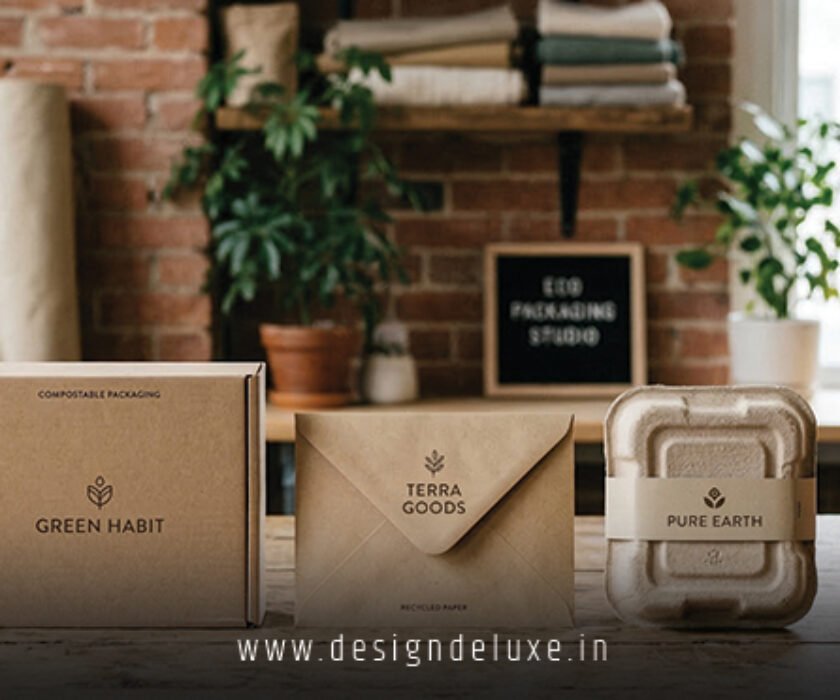
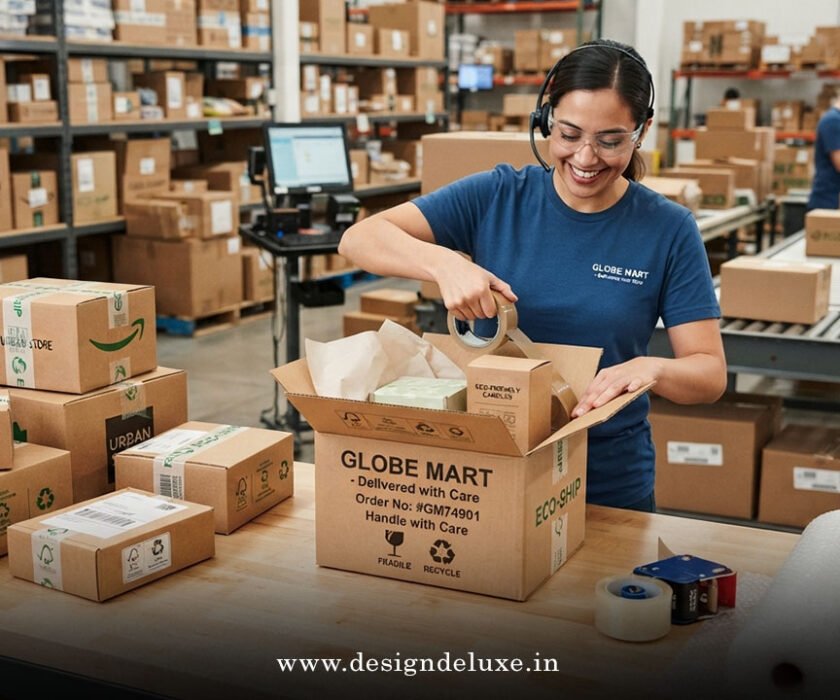
Packaging often makes or breaks that first purchase decision. AI mockup tools show how your design looks on real products before you order samples.
Platforms connected to print services let you upload logos and see realistic 3D previews. Some include smart suggestions for layouts, materials, and even QR codes that link to motion graphics.
This approach helps you test ideas affordably and avoid costly mistakes. Many small businesses now launch with packaging that looks premium but costs far less than traditional routes.
If you want to combine logo work with packaging and motion, check out our guide on Affordable logo and brand packaging design with motion graphics 2026 for practical next steps.
Motion graphics tools that are beginner-friendly
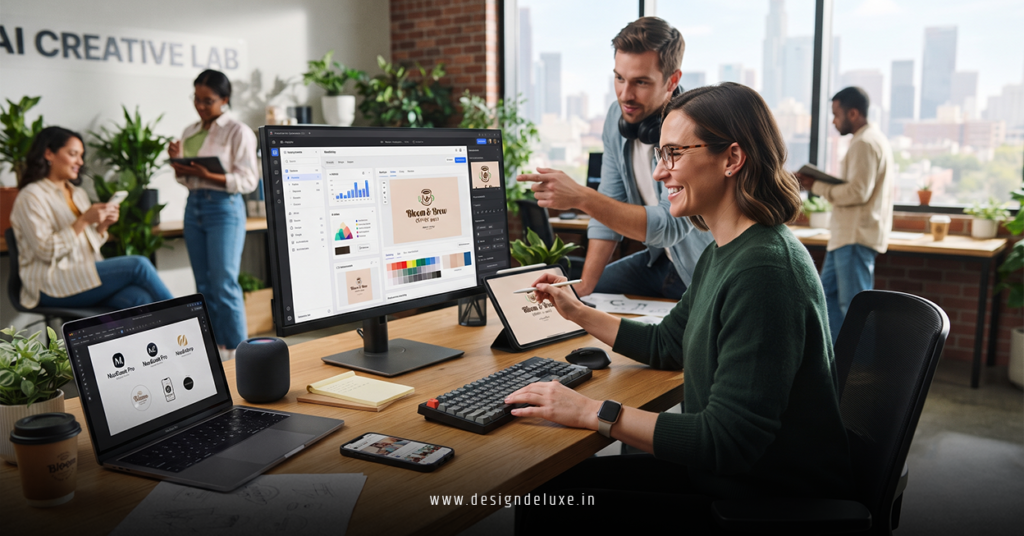
Motion adds energy to your brand. Short animated logos for websites or social videos make your content more engaging without needing After Effects expertise.
Canva and similar platforms offer drag-and-drop animation templates powered by AI. You upload your logo, pick a style, and get smooth results in minutes. Tools like Microsoft Designer also help create quick video clips and social assets.
For slightly more advanced needs, look for platforms with AI-assisted timelines. They suggest transitions and effects that match your brand colors and tone. Keep animations short and purposeful so they support your message instead of overwhelming it.
Brand consistency and asset management
One big headache for growing businesses is keeping all visuals on-brand. AI brand kits solve this by generating guidelines automatically—colors, fonts, logo variations, and usage rules.
Some tools include digital asset managers that organize everything in one place. Search by keyword, update colors across files, and share access with team members or freelancers.
This consistency builds recognition fast. Customers know it’s you at a glance, whether on Instagram, packaging, or your site.
Choosing tools that fit your stage and budget
Beginners do well with free or low-cost all-in-one options like Canva Pro. As you grow, consider subscription tools that offer unlimited downloads and advanced AI features.
Look for platforms with good export options and print partnerships. Test customer support too—quick help saves frustration when deadlines loom.
Always review AI outputs with your own eyes. Tweak details so the final brand feels personal to your story.
Measuring results from your AI branding
Track engagement on social posts with new visuals. Notice if website time-on-page improves with animated elements. Sales feedback on packaging can guide future updates.
Many owners see better conversion rates after refreshing their look with AI tools. The speed of iteration means you can test and improve continuously.
Getting the most from these tools in 2026
Combine a couple of complementary platforms rather than relying on just one. Use AI for speed and human judgment for personality.
Stay updated on new features. The best tools release improvements often, especially around motion and interactive packaging elements.
For small businesses, these AI options remove old barriers. You can now build a brand that looks established from day one.
We hope that you have found this article enlightening in some way…
Start experimenting with one or two tools this week. Small steps with the right AI support lead to big improvements in how the world sees your business. Your customers will feel the difference, and you’ll save time and money while growing faster.