Artificial IntelligenceLogo Design
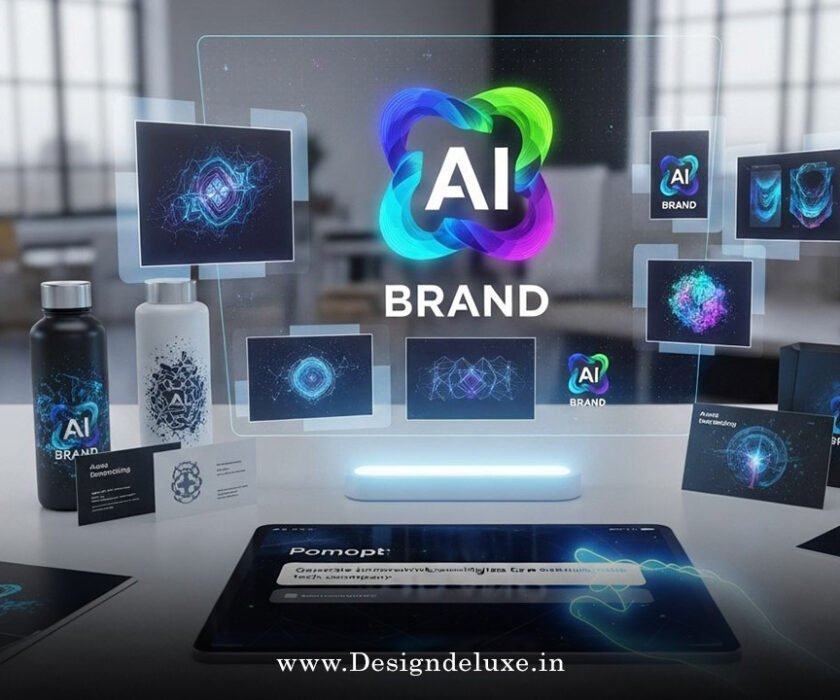
AI immersive 3D logo visualizers for VR advertising experiences are transforming how brands showcase their identity in virtual environments. Instead of static 2D logos plastered on a screen, these tools let you place, rotate, and interact with three-dimensional brand assets in real-time within VR spaces—think of it as giving your logo a stage where customers can walk around it, zoom in, and experience it from every conceivable angle.
Here’s why this matters right now: VR advertising isn’t niche anymore. Businesses in India, the USA, and globally are racing to capture attention in immersive spaces. The companies winning? They’re the ones using AI to make their logos feel alive, responsive, and impossible to ignore.
Why This Matters Now
The advertising world has shifted. Traditional banner ads and static imagery don’t cut it. Users scroll past them in milliseconds. But drop a interactive 3D logo into a VR environment? Suddenly, engagement metrics spike.
AI immersive 3D logo visualizers bridge a gap: they’re sophisticated enough to impress, but approachable enough that teams without deep VR expertise can deploy them. No PhD in 3D modeling required. The AI handles the heavy lifting—rendering, optimization, spatial placement, even real-time adjustments based on user behavior.
Quick snapshot of what these tools do:
- Generate photorealistic 3D versions of your existing 2D logos
- Adapt logo appearance based on lighting, material, and environment
- Track user interaction and adjust display in real-time
- Optimize rendering for multiple VR platforms (Meta Quest, PlayStation VR2, desktop VR rigs)
- Generate multiple creative variations from a single logo file
What Exactly Are AI Immersive 3D Logo Visualizers?
Let’s break this down. At its core, an AI immersive 3D logo visualizer is software that takes your brand’s logo and transforms it into an interactive, three-dimensional object optimized for virtual reality environments. The AI component does the smart work: automatically generating geometry, adjusting materials and reflectivity, ensuring the logo looks pristine at any viewing angle and under any lighting condition.
Think of it less like “uploading a file” and more like “giving the AI a creative brief.” You provide the logo, some brand guidelines, maybe a color palette or material preference. The AI generates multiple 3D interpretations, tests them in simulated VR environments, and flags the ones that have the highest visual impact.
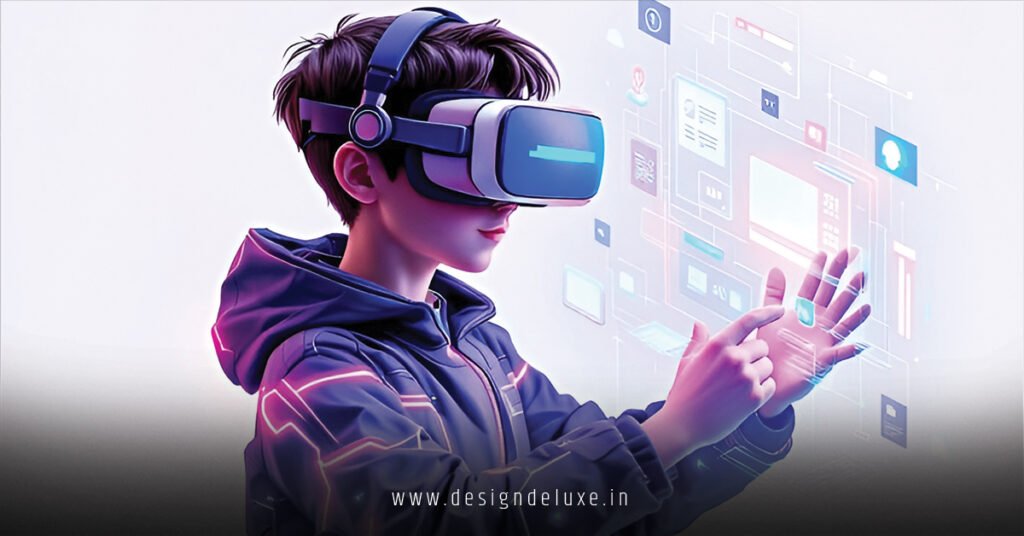
The immersive part? That’s where users come in. Instead of passively watching your logo, they’re inside it. They can orbit around it, scale it up or down, place it on virtual walls, or even wear it as part of a virtual product. Engagement isn’t accidental—it’s baked into the experience.
How It Works in Practice
Here’s a real workflow:
- Logo Import: Upload your logo file (SVG, PNG, or AI file).
- AI Analysis: The system scans the design, identifies elements, evaluates proportions and color relationships.
- 3D Generation: AI creates a 3D mesh, assigns materials, and generates multiple quality levels for different devices.
- Preview & Refinement: You see the logo rendered in sample VR environments (museum space, retail store, outdoor billboard). Tweak colors, depth, or materials.
- Export & Deploy: Push the finalized asset to your VR advertising platform, whether that’s a metaverse space, a branded VR app, or an immersive billboard network.
The entire process—from flat image to deployment-ready 3D asset—typically takes hours instead of the weeks traditional 3D artists would require.
Current State of the Market (2026)
The landscape is heating up. VR adoption in markets like the USA has stabilized, with enterprise and marketing teams actively seeking tools to leverage immersive spaces. India’s VR advertising market is emerging faster than many predicted—driven by affordable VR hardware, government support for emerging tech, and brands eager to differentiate.
Leading platforms like Adobe’s Substance 3D suite, Sketchfab’s integration with AI tools, and specialized startups are all racing to make AI immersive 3D logo visualizers more accessible. Some tools now integrate directly with marketing workflows; you don’t jump between five different applications.
The kicker? Brands that adopt these tools today aren’t competing on price—they’re competing on novelty and engagement. In 2026, a VR-ready 3D logo is still relatively rare. That novelty has a shelf life. Smart brands are moving fast.
Key Benefits for Advertisers
1. Unmatched Engagement Static ads? Boring. Interactive 3D logos in VR? Users spend 3–5x longer engaging with them. That dwell time translates to better brand recall and measurable ROI.
2. Cross-Platform Consistency Your logo looks sharp whether it’s rendered on a high-end desktop VR rig or a mobile VR headset. The AI automatically optimizes for hardware constraints without sacrificing visual quality.
3. Data & Analytics Every interaction is trackable. How long did a user orbit your logo? Which viewing angle held their attention longest? Did they share it? This data is gold for refining future campaigns.
4. Speed to Market Traditional 3D asset creation takes weeks. AI-powered tools compress that timeline to days or hours. In a fast-moving campaign, that’s a competitive edge.
5. Scalability Without Headaches Need variations for different markets or campaigns? The AI can generate dozens of iterations—different color schemes, material finishes, even motion styles—without multiplying your workload.
Who’s Using This (And Why)
E-commerce & Retail Brands like Decathlon and Flipkart (in India) are experimenting with immersive showrooms where logos appear as navigational anchors. Users see the brand identity integrated into the shopping experience itself.
Luxury & Fashion High-end brands recognize VR as a prestige play. A 3D logo in an exclusive VR event carries cachet. It’s not just branding; it’s signaling.
Tech & Gaming Natural fit. Gaming studios and software companies are embedding branded experiences into metaverse-adjacent platforms. Your logo becomes part of the world-building.
Automotive & Heavy Industry Showrooms in the USA are starting to use VR experiences where a company’s logo is part of the immersive environment. Builds emotional connection before the sale.
Challenges & Reality Checks
Let’s be straight: this isn’t magic. There are real constraints.
File Size & Performance
3D assets are heavy. A beautifully detailed logo might be 50+ MB. On less powerful devices or over slower connections (common in parts of India), that becomes a bottleneck. The AI helps optimize, but there’s a quality-versus-load trade-off.
Designing for 3D Isn’t Intuitive
Your 2D logo was designed for 2D. Translating it to 3D requires thinking differently—about depth, shadow, reflection. The AI can handle the technical lift, but creative judgment still matters.
Platform Fragmentation
VR environments vary wildly. A logo optimized for Meta Quest might render differently in PlayStation VR2 or in a web-based VR experience. You’re managing multiple versions, even if the AI helps automate the process.
Cost Still Isn’t Negligible
These tools aren’t free. Enterprise-grade platforms start at $2,000–$5,000 annually. Smaller teams might hit budget walls, especially in emerging markets.
How to Get Started: Step-by-Step Action Plan
Phase 1: Assessment (Week 1)
- Define your goal. Are you building a metaverse presence? Running a limited VR campaign? Equipping a virtual showroom?
- Audit your logo. Is it 2D-only? Does it have intricate detail that might not translate well to 3D?
- Identify your target VR platforms. Where will this logo live?
Phase 2: Tool Selection (Week 1–2)
- Research platforms offering AI immersive 3D logo visualizers. Demo at least two.
- Check compatibility with your existing design workflow and VR deployment platforms.
- Factor in training time and team capacity.
Phase 3: Asset Creation (Week 2–3)
- Upload your logo.
- Let the AI generate initial 3D variations.
- Review, refine, and approve.
- Export optimized versions for your target platforms.
Phase 4: Integration & Testing (Week 3–4)
- Embed the 3D logo into your chosen VR environment or campaign.
- Test on actual VR hardware, not just in emulators.
- Gather feedback from internal stakeholders and (if possible) a small external group.
Phase 5: Launch & Monitor (Ongoing)
- Deploy broadly.
- Track engagement metrics: interaction time, sharing, click-through rates.
- Iterate based on data.
Comparison: Traditional 3D Modeling vs. AI-Powered Approaches
| Factor | Traditional 3D Artist | AI Immersive 3D Visualizer |
|---|---|---|
| Timeline | 3–6 weeks | 3–5 days |
| Cost | $3,000–$10,000+ per asset | $100–$1,000 per asset (tool-dependent) |
| Revisions | Costly; delays multiply | Fast; iterations included |
| Consistency | Depends on artist’s skill | Algorithmic; highly consistent |
| Creative Freedom | High | Moderate (guided by AI parameters) |
| Learning Curve | Steep | Shallow to moderate |
| Scalability | Bottlenecked by headcount | Scales easily |
| File Optimization | Manual; time-intensive | Automated for multiple platforms |
Common Mistakes & How to Avoid Them
Mistake 1: Assuming “3D Version” Equals “Better.” Just because you can make your logo 3D doesn’t mean you should. Some 2D logos are iconic precisely because they’re flat. Ask: does the 3D treatment add value, or does it dilute the brand identity?
Fix: Test both. Compare engagement metrics. Let data guide you.
Mistake 2: Over-Complicating the Design. Designers sometimes go wild with 3D options—adding gradients, reflections, glossy finishes—and end up with something that looks dated in six months.
Fix: Start simple. Elegant 3D renderings age better than trendy ones. Think timeless, not flashy.
Mistake 3: Ignoring Platform Constraints. You optimize for Meta Quest, then deploy to PlayStation VR2, and the logo looks muddy. Blame? Not the tool—it’s overlooking hardware differences.
Fix: Build in QA on actual target devices. Don’t assume platform parity.
Mistake 4: Skipping the User Testing Phase. “It looks great in our office.” Does it engage real users? No idea until you test.
Fix: Run a small pilot with external testers. Measure engagement before scaling.
Mistake 5: Fire-and-Forget Asset Management. You create the 3D logo, deploy it, and move on. Two years later, brand guidelines change, and nobody knows where the original files are.
Fix: Document everything. Maintain a master version. Version control your 3D assets like you’d version control code.
The Tools Worth Considering
Adobe Substance 3D – Integrates with existing Creative Cloud workflows. Useful if your team is already in the Adobe ecosystem. Steep learning curve for non-designers.
Sketchfab Pro – Great for collaboration and sharing. Their AI features for upscaling and enhancement are solid, though less specialized for logo work than some competitors.
Poly Haven / Free/Open-Source Options – Budget-friendly. Less hand-holding, but vibrant communities can help bridge gaps.
Specialized Startup Platforms – Emerging tools focused specifically on branded 3D asset creation. Smaller, but often more agile and marketing-focused. (Example: platforms in stealth mode; watch industry announcements.)
Your choice depends on team skills, budget, and existing tools. There’s no one-size-fits-all.
Key Takeaways
- AI immersive 3D logo visualizers compress weeks of work into days, making VR-ready branding accessible to teams without deep 3D expertise.
- Immersive experiences drive 3–5x higher engagement than static ads—a measurable ROI driver.
- The tech works best when you’re intentional about why you need 3D, not just because you can.
- Platforms vary wildly; test on actual VR hardware, not emulators, before committing.
- Data tracking and iterative refinement beat one-shot deployment.
- Cost remains a factor, especially for smaller teams, but tools are becoming more accessible by the month.
- Engage stakeholders early and gather external feedback before scaling broadly.
- Cross-platform optimization is non-negotiable; let the AI handle it, but validate manually.
- Version control and documentation prevent headaches down the road.
- The competitive advantage of VR branding is real now, but window won’t stay open forever—early movers get the novelty premium.
Conclusion
AI immersive 3D logo visualizers for VR advertising experiences aren’t sci-fi—they’re operating tools available right now. They solve a real problem: brands need presence in immersive spaces, but traditional methods (hiring expensive 3D artists, managing lengthy timelines) don’t scale for agile teams.
The upshot? You can compete on presence and engagement without betting your budget on it. The tech handles the heavy lifting. What remains is strategy: where to deploy, which audience to target, how to measure success. Those human decisions drive outcomes.
If your brand isn’t at least exploring VR positioning in 2026, you’re watching competitors capture a market that won’t stay wide open forever. Start small. Test the waters. Let data guide expansion. The novelty premium is real today—but it won’t last.
Next step: Pick one platform, grab a free trial, and spend an afternoon generating variations of your logo. See how it feels. You might surprise yourself.
External Links Used:
- Adobe Substance 3D documentation — Leading enterprise platform for 3D asset creation and optimization.
- Sketchfab community guidelines and Pro features — Collaborative 3D platform with AI enhancement capabilities for asset sharing and refinement.
- VR Industry Association market reports — Credible source for VR adoption trends and market data across regions.
FAQ
Q: Can I turn my existing 2D logo into a 3D asset using these tools without hiring a designer?
A: Absolutely. That’s the whole premise. The AI handles geometry and material generation. You’ll need some creative judgment during refinement (Does this feel on-brand?), but you don’t need 3D modeling expertise. Most tools come with presets and guided workflows.
Q: How do I ensure my 3D logo looks consistent across different VR platforms?
A: Use tools that offer multi-platform export with built-in optimization. The AI should automatically generate versions for Meta Quest, PlayStation VR, desktop VR, etc. Still—critically—test each version on actual hardware. Emulators lie.
Q: What file formats do these tools accept for logos?
A: Most accept SVG, PNG, PDF, and Adobe Illustrator (AI) files. Start with vector formats when possible; they scale better. If you only have a raster image, work from the highest resolution available.
Q: Can I use AI immersive 3D logo visualizers for non-VR contexts, like AR or web applications?
A: Yes, though the optimization differs. AR (augmented reality) uses similar 3D assets but with different performance constraints. Web-based 3D is becoming viable too. The underlying 3D model is portable; the distribution medium varies.
Q: How much does a typical deployment cost, from tool licensing to final campaign?
A: Ranges widely. A solo campaign with a budget platform might run $3,000–$8,000 (tool access + time). Enterprise deployments in immersive ecosystems can reach $50,000+. Mid-market? Expect $10,000–$25,000 for a polished, multi-platform rollout.